Expenses & income
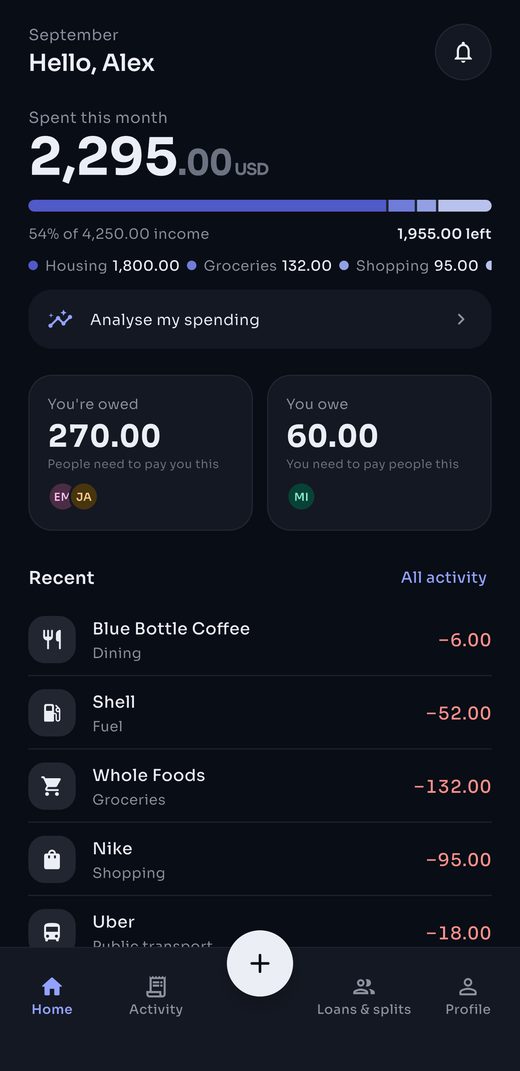
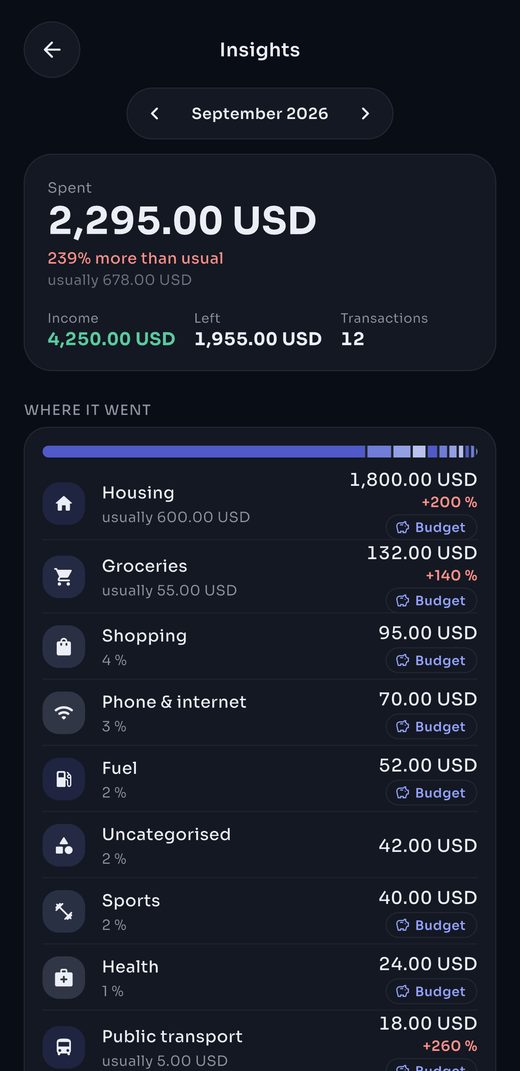
Keypad-first entry: an amount, a category, done. A monthly view shows each category’s share and what you have left.
Trak keeps track of what you spend, what you’re owed and what you owe, without the noise. A keypad to enter things fast, a month you can read at a glance, and clean accounts between friends.
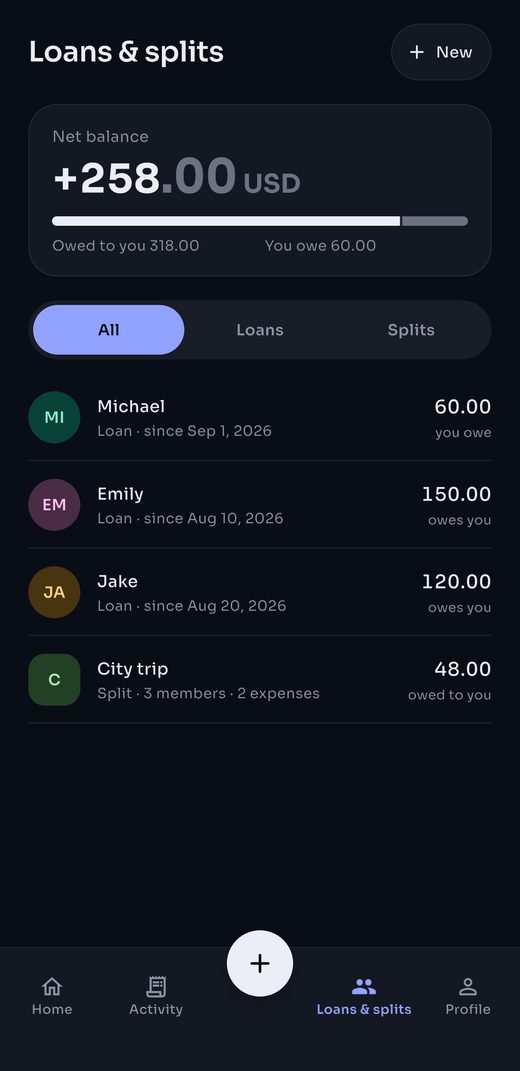
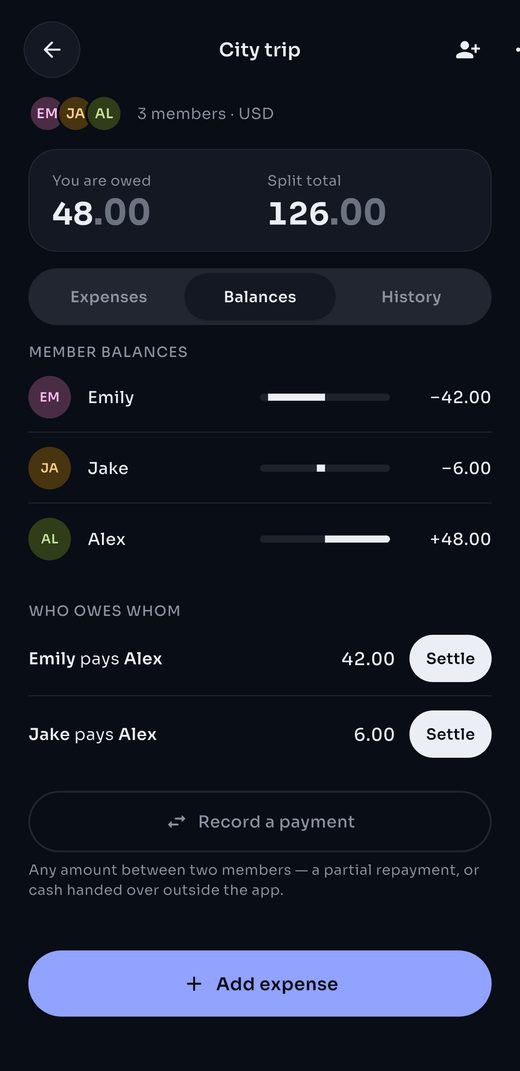
Real screens — your month, loans, splits and insights.
Four simple pieces. Each one does one thing, properly.
Keypad-first entry: an amount, a category, done. A monthly view shows each category’s share and what you have left.
A dated history for every loan. Each repayment is confirmed by the other person, and you settle when it’s over.
A trip, a flat, a birthday. Split equally, by parts or by amounts; Trak works out who owes whom. Invite people with a code.
Rent, subscriptions, salary: Trak prepares a draft on the due date. Nothing posts until you confirm it.
The People tab gathers everything that ties you to others: one net balance, then every loan and group, with the direction of the debt spelled out.
Trak speaks French, English, Arabic and Moroccan Darija — fully translated, categories and all, with a right-to-left layout for Arabic. Figures and dates stay in Western digits, the way a bank statement reads.
Français
French
Default language
English
English
Fully translated
العربية
Arabic
Right-to-left interface
الدارجة المغربية
Darija
Everyday Moroccan
Works in the browser, on desktop and on mobile.
Yes. Trak is free during its launch phase. If a paid tier ever arrives, the basic ledger stays free and you’ll hear about it well in advance.
You can enter an expense without a connection; it syncs as soon as you’re back online. Loans and shared groups need a connection to confirm and settle.
Yes. The same account works in the browser and in the upcoming iOS and Android apps. Your data is the same everywhere.
French, English, Arabic and Moroccan Darija. Everything is translated, expense categories included, and the interface flips to right-to-left in Arabic. You pick your language on first launch and can change it any time from Profile.
From the app: Settings → Account → Delete account. Your private data is erased; only the references other members need for their shared accounting are kept, anonymised.